
HTML — web structure and content
How pages are organised with headings, text, images and links.
MVPS Coding & Computer Science
Help your child explore how digital ideas become real creations. Through guided coding projects, students practise breaking down problems, testing solutions and explaining what they have made.
MVPS families — Innovate Forge Academy also offers public programs open to all families, including communication, creative writing and holiday learning. Explore the broader academy → MVPS classes remain exclusively for current Mount View Primary School students.
School-based after-school program
An established school-based learning experience helping MVPS students develop practical skills, confidence and creative problem-solving.
Innovate Forge Academy has delivered school-based programs at Mount View Primary School for more than 12 years. These classes are exclusively for MVPS students and are separate from our public classes at other locations.
What students explore
HTML, CSS, JavaScript and Python are introduced progressively over time — not every language is completed in one term.
How pages are organised with headings, text, images and links.
Colour, layout and typography that make ideas clear and appealing.
Buttons, responses and simple behaviours that bring a page to life.
Sequencing, decisions, loops and problem-solving with code.
Illustrative
Examples only — projects vary by level and term.
Learning journey
Beginners receive guided tasks to build confidence step by step. Experienced students extend their projects with added features and independent problem-solving.
For parents
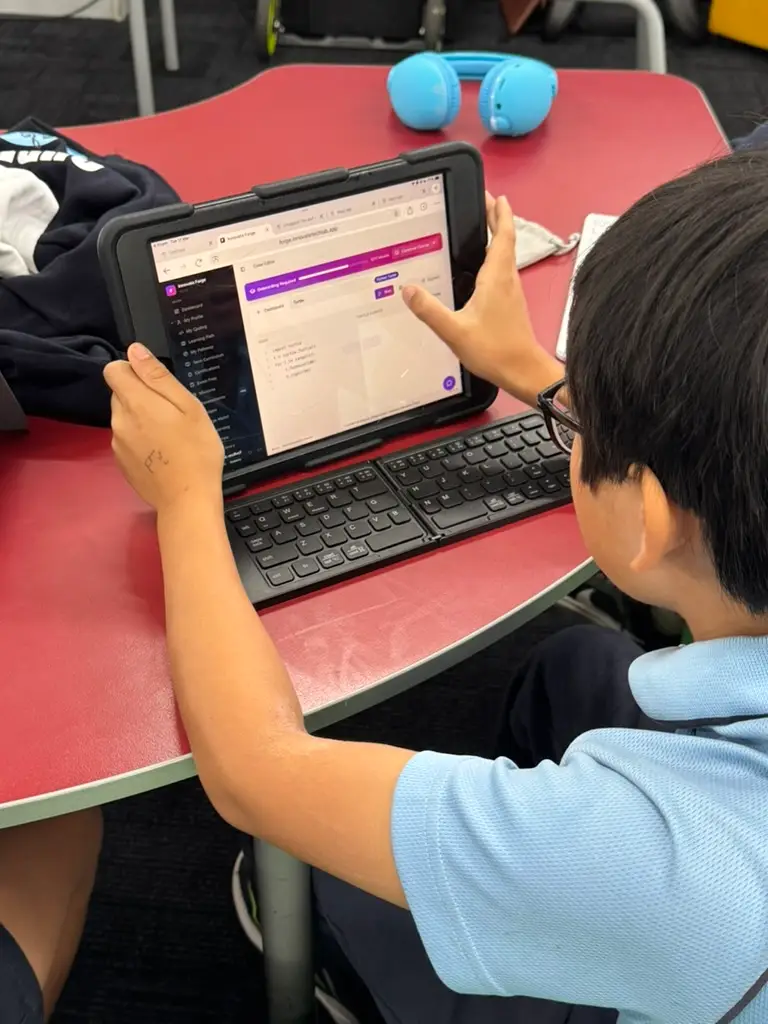
Devices
Bringing your own laptop (BYOD) is preferred. If that isn't possible, our classroom device hire option is available for Coding sessions. Compatible devices and required software are confirmed during enrolment.
Our classroom device hire option allows students to use a dedicated device during their MVPS Coding sessions, without needing to bring their own. Devices are set up, maintained and ready for all lesson activities.
BYOD is preferred where possible — classroom device hire is here for families who can't provide a laptop.
Platform
Where assigned to the program, Forge gives students access to relevant learning resources and activities that support their classroom projects.
Classes run weekly, so the week in between counts. Where resources are assigned in Forge, students can revisit what they worked on and keep their project moving before the next class.
Practice between classes is optional — families choose what fits their week.
FAQs
Yes. Beginners start with guided tasks, and experienced students extend their projects.
The program is for current Mount View Primary School students in Years 3–6.
Bringing your own laptop (BYOD) is preferred. If that isn't possible, our classroom device hire option is available for Coding sessions. Compatible devices and required software are confirmed during enrolment.
Classes run on Wednesdays, 3:45–5:15 pm, for eight sessions each term.
Projects grow from guided activities to independent creations, introducing new curriculum areas over time.
Attendance and make-up arrangements follow our current enrolment terms, which we share when you enquire.
Collection arrangements are confirmed for each term and shared with enrolled families.
MVPS students only
Tell us a little about your child and we’ll reply with current details and next steps.